How to watch the hall live streams at RCD 2026
The live streams of the scientific sessions are only available to delegates attending the conference on site. To watch, please connect to the conference Wi-Fi and log in with your delegate account as follows.
Step 1. Connect to the conference Wi-Fi
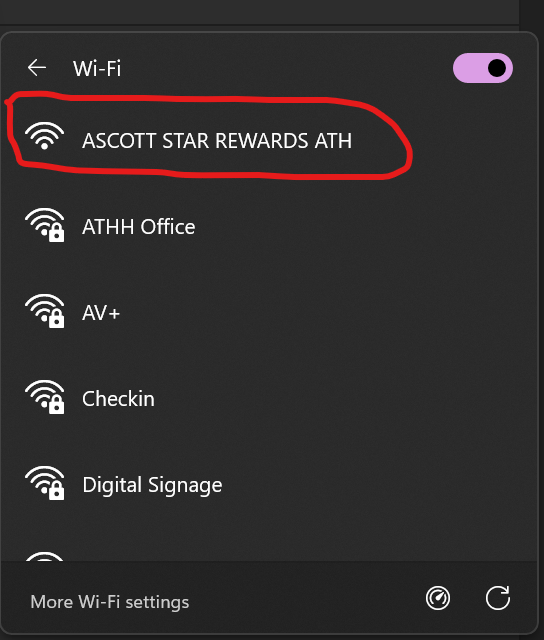
Note: turn off mobile data (4G/5G) and any VPN so your device uses the conference Wi-Fi.
Step 2. Log in with your delegate account
- Go to the Delegate login page.
- Enter the email you used to register, request a code and enter the OTP code sent to your email.
- After logging in, you will be taken back to the live stream page automatically.
Use headphones while watching
- Please use headphones while watching the live stream so as not to disturb other delegates around you.
- The video is muted by default when it starts. After connecting your headphones, tap the speaker icon on the player to turn on the sound.
Step 3. Choose a hall and watch live
- Open Live Stream and choose the hall you want to follow.
Cannot watch the live stream?
- Make sure your device is connected to the conference Wi-Fi.
- Log out and log in again with your registration email.
- Use a recent version of Chrome, Safari or Firefox.
- For further help, please contact the Organizing Committee registration desk.